
The shift to digital classrooms has transformed how students earn degrees, but a reliable setup is the foundation of that experience. Without the right hardware, software, or internet connection, even the most motivated learner can face frustrating delays, missed deadlines, and lost opportunities. Understanding the core technology requirements for online learning before you enroll can save you time, money, and stress. Whether you are pursuing a bachelor’s degree, a graduate certificate, or a career-focused diploma, this guide will help you identify what you truly need to succeed in a virtual classroom.
Many students assume that any laptop or tablet will work for their courses. The reality is more nuanced. Some programs require specific operating systems, and certain software tools may not run on older devices. Additionally, scholarship recipients often need to access live lectures, submit video assignments, or use proctored testing platforms that demand a stable internet connection and a webcam. By planning ahead, you can avoid surprise costs and ensure that your technology supports your academic journey rather than hindering it.
Essential Hardware for Online Students
The most critical piece of equipment for any online learner is a computer that meets the minimum specifications set by the institution. While a smartphone can supplement your studies, it should never be your primary device. Most learning management systems (LMS) and proctoring software are designed for desktop or laptop computers, not mobile browsers. You will need a machine that can handle multitasking, video streaming, and word processing without freezing or crashing.
Computer Specifications to Prioritize
When evaluating a laptop or desktop for online education, focus on these core components. A processor with at least an Intel Core i5 or AMD Ryzen 5 (or their equivalents) will handle most coursework. For RAM, 8 gigabytes is the minimum, but 16 gigabytes provides smoother performance if you run multiple applications simultaneously. Storage should be solid-state (SSD) rather than a traditional hard drive, as SSDs load programs and files much faster. A 256GB SSD is adequate for most students, though 512GB offers more room for projects and software.
A webcam and microphone are non-negotiable for courses that require live participation, group presentations, or video submissions. Many laptops come with built-in cameras and mics, but external versions often provide better quality. A 1080p webcam and a USB microphone or headset can dramatically improve your video call experience. Finally, ensure your device has at least one USB port, an HDMI port (for connecting to an external monitor), and a reliable Wi-Fi card that supports the 5GHz band for faster speeds.
Mobile Devices and Tablets: When They Work
Tablets like the iPad or Samsung Galaxy Tab can be excellent supplementary tools for reading, note-taking, and watching recorded lectures. However, they are rarely sufficient as a primary device for degree programs. Many online platforms require Flash-based (legacy) content, specific browser extensions, or desktop-only applications such as statistical software (SPSS, Stata) or coding environments (Visual Studio, Eclipse). If you plan to use a tablet, verify that your program’s core software is available on iOS or Android. Otherwise, invest in a laptop first.
Internet Connectivity and Reliability
A stable high-speed internet connection is arguably more important than the computer itself. Even the best laptop is useless if your connection drops during a proctored exam or a live seminar. Most institutions recommend a minimum download speed of 10 Mbps and an upload speed of 3 Mbps for standard video conferencing. For HD video, 25 Mbps download and 5 Mbps upload are preferred. You can test your current speed using free online tools like Speedtest.net.
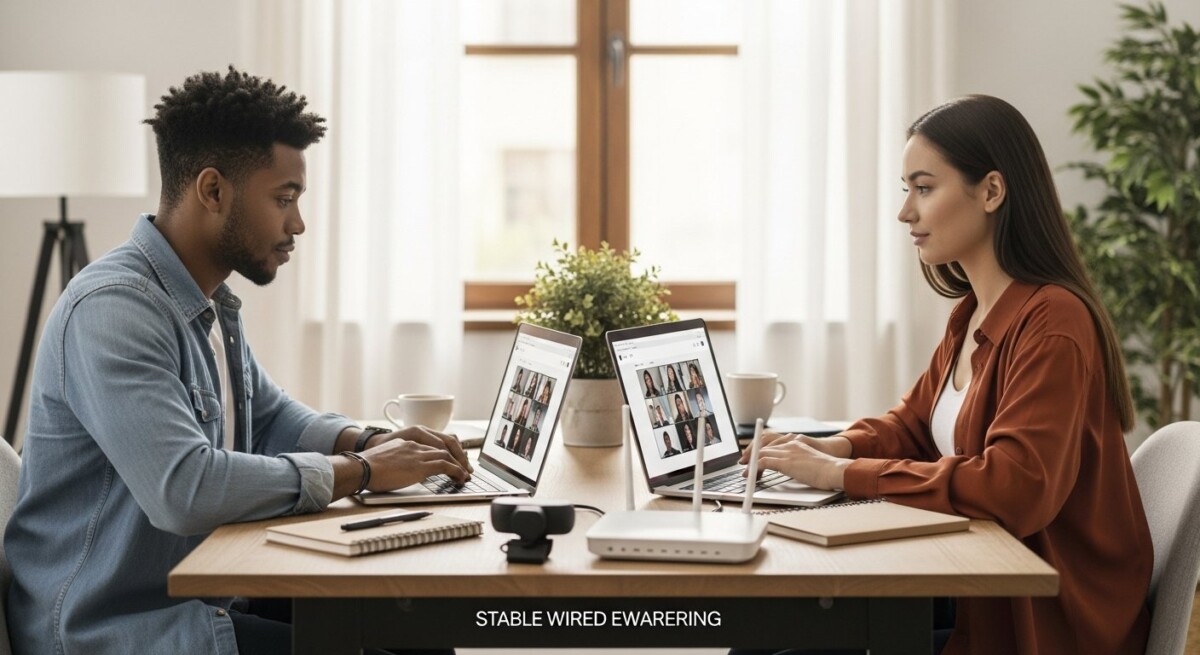
Consider these factors when setting up your home network. A wired Ethernet connection is always more reliable than Wi-Fi for critical tasks such as exams or live presentations. If you must use Wi-Fi, position your router in the same room as your study space, and avoid using the microwave or other interference sources during class. A mesh Wi-Fi system can eliminate dead zones in larger homes. Additionally, have a backup plan. A mobile hotspot from your smartphone or a prepaid USB dongle can keep you connected if your primary internet goes down.
Software and Digital Tools for Coursework
Beyond hardware, you will need access to a suite of software tools that enable you to complete assignments, communicate with instructors, and collaborate with peers. The specific requirements vary by program, but most students need a modern web browser (Chrome, Firefox, or Edge), a full office suite, and a PDF reader. Many schools provide free or discounted access to Microsoft 365 or Google Workspace, so check your student portal before purchasing licenses.
Learning management systems such as Canvas, Blackboard, or Moodle serve as the central hub for course materials, grades, and discussions. You should familiarize yourself with the LMS before the first day of class. Additionally, some programs require specialized software for your field. For example, graphic design students need Adobe Creative Cloud, data science students may need R or Python, and nursing students might use simulation platforms like Shadow Health. Always review the technology requirements listed in your course syllabus or program handbook.
Proctoring and Exam Security Software
Many online programs use proctoring services such as ProctorU, Respondus LockDown Browser, or Honorlock to maintain academic integrity. These applications require you to install a browser extension or a standalone program that locks down your computer during exams. They also activate your webcam and microphone to monitor your environment. Before exam day, test the software on your device to ensure compatibility. Some proctoring tools do not work on Linux or older versions of macOS. If you encounter issues, contact your school’s IT support well in advance.
Ergonomics and Study Environment
Technology requirements extend beyond the computer itself. Your physical setup affects your focus, posture, and overall well-being. A dedicated study space with a comfortable chair, a desk at the correct height, and proper lighting can reduce fatigue and improve concentration. Invest in an external monitor if you spend long hours reading or writing. A second screen allows you to keep your LMS open on one display while working on assignments on the other.

Noise-canceling headphones or earbuds are valuable for blocking out distractions, especially if you share a living space. A quality headset with a microphone also ensures that your voice is clear during group discussions and presentations. Consider a document camera if your courses require you to show handwritten work, diagrams, or physical objects. These devices are particularly useful for math, science, and art classes.
Budgeting for Technology as a Student
Acquiring the necessary equipment can be a financial burden, especially for students already managing tuition and living expenses. Fortunately, there are ways to minimize costs without sacrificing quality. First, check if your school offers technology grants, laptop rental programs, or discounted software through partnerships. Many institutions provide free access to Microsoft Office, antivirus software, and cloud storage for enrolled students.
Second, consider refurbished or certified pre-owned devices from reputable sellers. Manufacturers like Dell, Lenovo, and Apple sell refurbished models that come with warranties and are often significantly cheaper than new units. You can also look for student discounts on electronics at retailers like Best Buy, Amazon, or Apple Education Store. If you are receiving financial aid, some scholarship funds can be applied to technology expenses. In our guide on free online learning university options, we explain how to find programs that include technology stipends or provide loaner equipment.
Finally, do not overlook open-source alternatives to expensive software. LibreOffice is a free replacement for Microsoft Office, GIMP substitutes for Photoshop, and Audacity works for audio editing. While these tools may lack some advanced features, they are sufficient for most undergraduate coursework. Prioritize spending on hardware and internet connectivity, as those are harder to replace with free alternatives.
Frequently Asked Questions
Can I use a Chromebook for online learning?
Chromebooks work well for programs that rely entirely on web-based tools and Google Workspace. However, they cannot run native Windows or macOS software such as SPSS, AutoCAD, or specialized coding IDEs. Always check your program’s software requirements before purchasing a Chromebook.
Do I need a printer for online classes?
Most online courses are paperless, but some instructors may require printed worksheets or handwritten assignments that you scan and upload. A basic multifunction printer (print, scan, copy) is helpful but not essential. Many students use free scanning apps like Adobe Scan or CamScanner instead.
What internet speed do I need for proctored exams?
For proctored exams, you need a minimum of 3 Mbps upload speed and 10 Mbps download speed. A wired Ethernet connection is strongly recommended to avoid interruptions. Test your connection using the proctoring software’s system check tool before exam day.
Can I get financial aid for technology purchases?
Yes. Some scholarships and grants allow funds to be used for educational technology, including laptops, webcams, and software. Contact your school’s financial aid office to confirm eligibility. Also, explore external scholarships that specifically support technology needs.
How often should I upgrade my equipment?
Most laptops remain functional for online coursework for 3 to 5 years. If your device becomes slow, cannot run required software, or fails to connect to the latest Wi-Fi standards, it is time to upgrade. Regular maintenance such as clearing storage and updating drivers can extend your device’s lifespan.
Meeting the technology requirements for online learning is not just about buying the latest gadgets. It is about choosing reliable tools that match your program’s demands and your personal study habits. Start by reviewing your school’s official technology recommendations, then compare those with your current equipment. If gaps exist, plan your purchases strategically using student discounts, refurbished devices, and financial aid resources. For further support, explore the resources available at CollegeDegree.school, where you can find additional guidance on selecting programs and funding your education. With the right setup, you can focus on what truly matters: gaining knowledge, building skills, and achieving your academic goals.