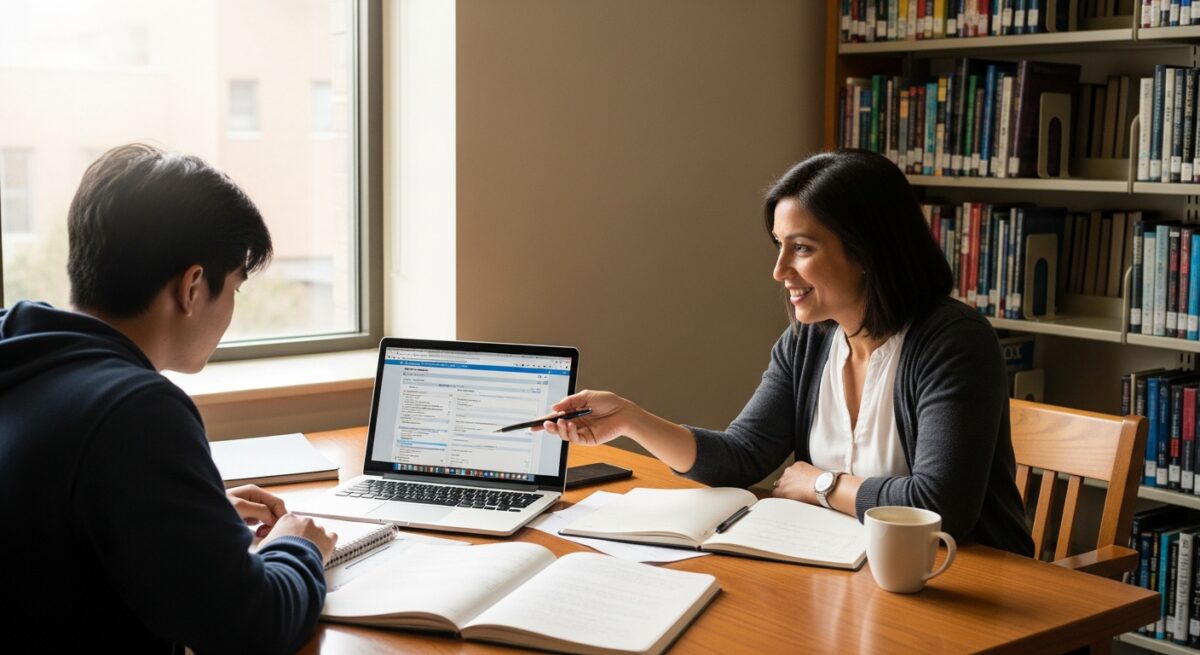

Imagine logging into a virtual classroom only to have your video freeze, your audio cut out, or your browser crash mid-lecture. For thousands of students each semester, this scenario is not just frustrating; it is a barrier to academic success. As more institutions move coursework online, understanding and meeting the minimum technology requirements for online learning has become as essential as registering for classes. Without the right hardware, software, and internet connection, even the most dedicated student can fall behind. This guide walks you through the exact tools you need to avoid technical disruptions, stay competitive, and make the most of your online education investment.
Why Tech Requirements Matter for Online Students
Online learning places unique demands on your technology setup. Unlike a traditional classroom where the school provides the infrastructure, your home network and personal computer become the classroom. Meeting the baseline technology specifications ensures that you can access course materials, participate in live discussions, submit assignments, and take proctored exams without technical failures.
Beyond avoiding frustration, proper technology directly impacts your grades. A 2024 survey by the Online Learning Consortium found that students who met or exceeded their program’s recommended tech specs were 34% more likely to complete their courses on time. Conversely, students with outdated equipment reported higher stress levels and lower retention of course content. For many scholarship recipients, maintaining eligibility depends on consistent academic performance, which in turn depends on reliable technology.
If you are exploring online degree programs, it is wise to review the tech requirements before enrolling. Many schools publish a list of required specifications on their admissions page. For example, a typical undergraduate program might require a laptop with at least 8GB of RAM and a 64-bit processor. Graduate programs, especially those in fields like data science or graphic design, often demand more powerful machines. Always verify these details with your chosen institution to avoid unexpected costs later.
Core Hardware Requirements
Computer or Laptop Specifications
The most critical piece of equipment for online learning is a reliable computer. While tablets and smartphones can supplement your studies, they are rarely sufficient as primary devices. Most online learning platforms require a full desktop or laptop operating system such as Windows 10 or later, macOS 11 (Big Sur) or later, or a recent version of Chrome OS. Chromebooks can work for many programs, but check if your courses require specialized software that only runs on Windows or macOS.
Here are the baseline hardware specifications recommended for most online programs:
- Processor: Intel Core i5 (or equivalent AMD Ryzen 5) from the last three years. Avoid older processors like Intel Core i3 or Celeron unless the program specifically states they are acceptable.
- RAM: A minimum of 8GB. For STEM, design, or data-heavy courses, 16GB is strongly recommended to run virtual labs or statistical software smoothly.
- Storage: At least 256GB solid-state drive (SSD). SSDs are significantly faster than older hard drives and improve boot times and application loading.
- Webcam: Built-in or external camera capable of at least 720p resolution. Many proctored exams require a camera that can pan 360 degrees to verify your testing environment.
- Microphone and Speakers: A built-in microphone and speakers or a headset with a noise-canceling microphone. Clear audio is critical for group discussions and instructor feedback.
These specifications represent the floor for most programs. If you are pursuing a degree in fields like engineering, architecture, or video production, expect to need a discrete graphics card and more RAM. Always check with your department for program-specific requirements. For students on a tight budget, many schools offer laptop loaner programs or technology grants. Additionally, scholarship funds sometimes cover technology purchases; it is worth asking your financial aid office about these options.
Peripherals and Accessories
Beyond the computer itself, several accessories can improve your learning experience. A stable desk and ergonomic chair reduce physical strain during long study sessions. An external monitor can boost productivity by allowing you to view lectures on one screen while taking notes on another. A reliable USB headset with a good microphone often provides better audio quality than built-in laptop components, which helps in noisy environments.
Consider also a surge protector to safeguard your equipment, and a backup power source (UPS) if you live in an area with frequent power outages. For students who travel, a portable laptop stand and a compact mouse can make mobile studying more comfortable. These peripherals are not strictly required, but they can significantly enhance your comfort and focus over the course of a semester.
Internet Connectivity and Network Setup
A stable internet connection is arguably more important than the computer itself. Even the most powerful laptop is useless if your connection drops during a live exam or a recorded lecture fails to buffer. Most institutions specify a minimum download speed of 5 Mbps and an upload speed of 2 Mbps for standard video conferencing and streaming. However, for households with multiple users streaming simultaneously, a connection of 25 Mbps download and 5 Mbps upload is a safer baseline.
For students in rural or underserved areas where high-speed internet is unavailable, alternative solutions exist. Mobile hotspots from cellular carriers can provide adequate speeds for coursework, though data caps may be a concern. Some libraries and community centers offer free Wi-Fi with private study rooms. Additionally, programs like the federal Affordable Connectivity Program (ACP) help qualifying households pay for internet service. Check with your school’s student services office; they often have partnerships with local internet providers to offer discounted rates for students.
Wired Ethernet connections are always more reliable than Wi-Fi for critical activities like proctored exams. If your router is far from your study space, consider using powerline adapters that transmit internet signals through your home’s electrical wiring. For Wi-Fi, ensure your router supports at least the 802.11ac (Wi-Fi 5) standard, though Wi-Fi 6 (802.11ax) offers better performance in crowded networks. Regularly restart your router and keep its firmware updated to maintain optimal performance.
Software and Operating System Essentials
Learning Management Systems (LMS) and Browser Requirements
Every online student interacts with a learning management system such as Canvas, Blackboard, Moodle, or Brightspace. These platforms require modern web browsers that support JavaScript, cookies, and pop-ups. The most compatible browsers are the latest versions of Google Chrome, Mozilla Firefox, Microsoft Edge, and Apple Safari. Some LMS platforms have known issues with older browsers, so keeping your browser updated is non-negotiable.
Most institutions also require specific browser plug-ins or settings. For example, many proctoring services like ProctorU or Honorlock require a browser extension that monitors your screen during exams. Java may be needed for certain interactive simulations, and Adobe Acrobat Reader is essential for viewing PDF course materials. Before the semester starts, run a system check tool provided by your school’s IT department to identify missing software or outdated plug-ins.
Productivity and Communication Software
Beyond the LMS, you will need a full office suite for writing papers, creating presentations, and organizing data. Microsoft 365 is the industry standard, and many schools provide free or discounted access to students through their institutional accounts. Google Workspace (Docs, Sheets, Slides) is a free alternative that works well for collaboration. For note-taking, tools like OneNote, Evernote, or Notion can help you organize lecture notes and research.

Video conferencing tools like Zoom, Microsoft Teams, or Google Meet are used for live classes and office hours. Ensure your system meets the minimum requirements for these applications, especially for background blur, virtual backgrounds, or screen sharing. For group projects, communication apps like Slack or Discord may be used. Download and test these tools before your first class to resolve any compatibility issues ahead of time. In our guide on earning a doctorate in educational technology online, we explore how advanced software skills can enhance your learning experience.
Additional Considerations for Specialized Programs
Certain academic disciplines impose technology requirements that go far beyond the general baseline. For example, students in computer science or data science programs often need to run virtual machines, compile code, or use specialized IDEs (Integrated Development Environments) like Visual Studio Code or PyCharm. These activities benefit from a higher amount of RAM (16GB or more) and a fast multi-core processor. Similarly, graphic design, animation, and video editing courses require a dedicated graphics card (NVIDIA GeForce or AMD Radeon) and a color-accurate monitor.
Healthcare programs, including nursing and medical coding, may require specific software for clinical simulations or electronic health record training. These programs often run only on Windows, so Mac users might need to install Boot Camp or use virtual machine software like Parallels Desktop. Music production and audio engineering students need an audio interface and a Digital Audio Workstation (DAW) like Ableton Live or Pro Tools. Always contact the program coordinator before purchasing equipment to get a verified list of required tools.
For students with disabilities, assistive technology is a critical part of the setup. Screen readers (like JAWS or NVDA), speech-to-text software, and magnification tools must be compatible with both the operating system and the LMS. Most schools have a disability services office that can help you configure these tools and may provide loaner equipment if needed. Do not hesitate to request accommodations early; they can make the difference between struggling and thriving in an online environment.
How to Test and Validate Your Setup
Before the first day of class, take proactive steps to verify that your technology meets the requirements. Start by visiting your school’s IT support portal. Many institutions provide a “system check” tool that scans your computer’s hardware, operating system, browser, and internet speed against their recommended specifications. Run this check at least one week before classes begin to allow time for any upgrades or purchases.
Next, perform a dry run of a typical class session. Log into the LMS, open a sample lecture video, participate in a practice Zoom call, and submit a test assignment. If you will use a proctoring service for exams, schedule a practice proctoring session. This trial run will expose any issues with your webcam, microphone, or internet stability. Finally, install all required software updates and restart your computer to ensure everything is fresh. Document your internet speed test results and keep your school’s IT support number handy for emergencies.
Frequently Asked Questions
Can I use a Chromebook for online learning?
Yes, but with limitations. Chromebooks work well for web-based LMS platforms, document editing, and video streaming. However, they cannot run Windows-only software required by some programs (e.g., SPSS, AutoCAD, or specific proctoring tools). Check your program’s software list before choosing a Chromebook.
What happens if my internet goes down during an exam?
Contact your instructor immediately. Many schools have policies that allow for a makeup exam if you provide proof of an outage (e.g., a screenshot of your ISP’s status page). Some proctoring services also automatically log disconnections and will flag the session for review.
Do I need a printer for online courses?
Not always, but it is helpful. Some instructors require scanned handwritten assignments or signed documents. A basic inkjet or laser printer that can scan and copy is sufficient. Many libraries also offer free printing for students.
Can I use my smartphone as a hotspot for class?
In an emergency, yes. However, mobile hotspots often have data caps and slower speeds than home broadband. They are not reliable for streaming video or taking proctored exams. Use them only as a backup.
How often should I upgrade my computer?
Most online programs recommend replacing your primary device every 3 to 4 years. After that, hardware becomes outdated for newer software and security updates. If your computer is older than 5 years, consider an upgrade before starting a new program.
For more detailed guidance on specific programs, explore online degree options and technology recommendations tailored to your field of study.
Final Thoughts on Preparing for Online Success
Meeting the minimum technology requirements for online learning is not just about checking boxes on a list; it is about investing in your academic future. The right equipment reduces stress, improves focus, and helps you avoid costly technical delays that can derail your progress. Start by reviewing your program’s official specifications, then test your setup thoroughly before the semester begins. If you face financial barriers, remember that scholarships, grants, and institutional aid can often help cover technology costs. With the right preparation, you can focus on what truly matters: learning, growing, and achieving your educational goals.